
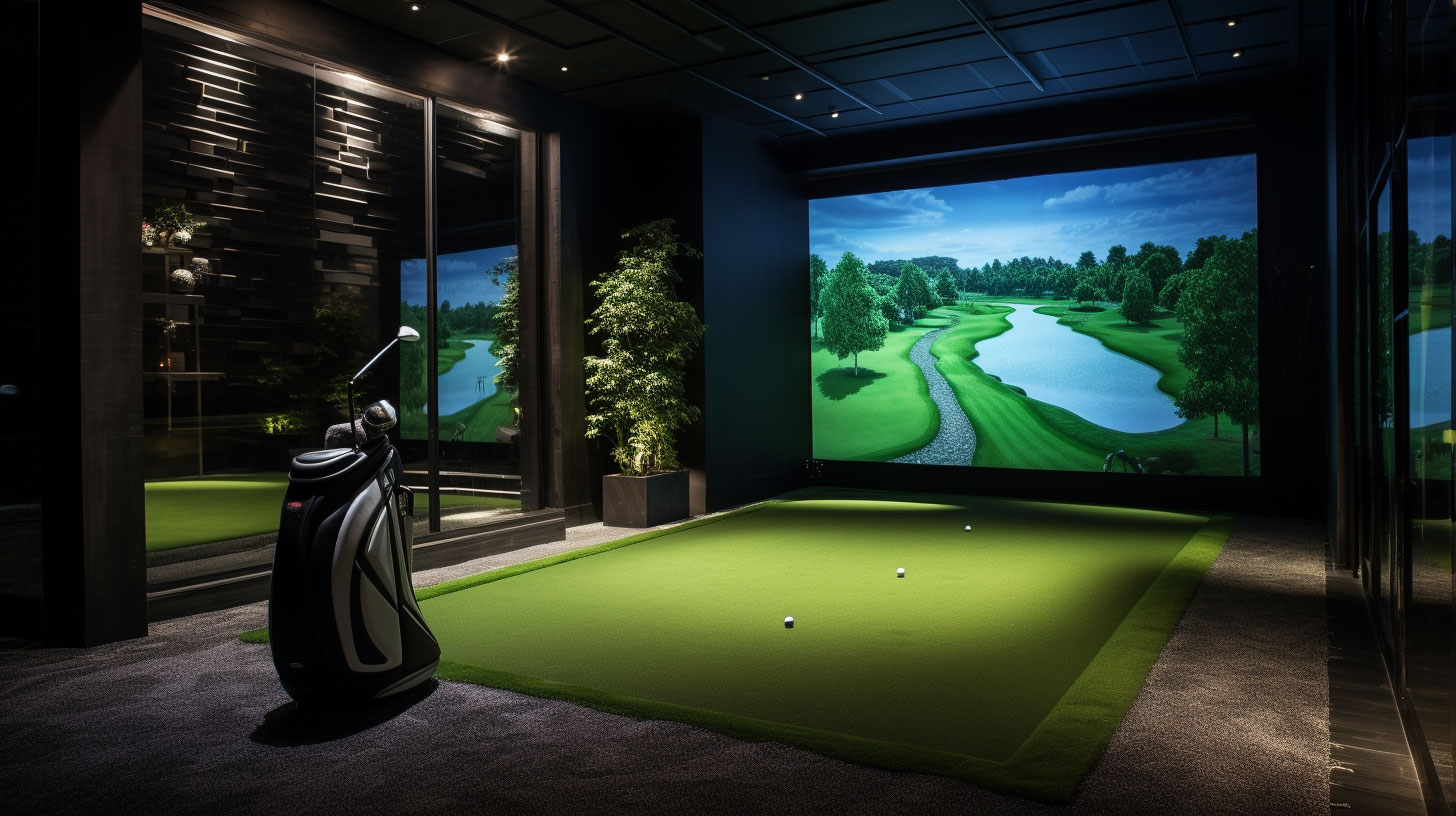
This past summer, I went through the process of designing a golf simulator for my firm's office. It turned out better than I could have expected, yet there are absolutely things I would do differently if given a second opportunity. For those out there looking for advice from someone who has gone through it, I'm here to walk through my journey and hopefully provide some useful insight.
All golf simulators consist of two main components with three additional optional components that can heighten the user experience. I'll briefly describe each here but will get into more detail later.
- Launch Monitor (Required): Device that reads and captures the ball and club data
- Enclosure (Required): What you hit the golf ball into and its supporting framework
- Software (Optional): Converts the ball and club data into a virtual ball response
- Computer & Display (Optional): Runs the software and displays simulated play
- Projector (Optional): Projects simulated play onto a screen
Global Considerations
There are a few big-picture questions you should ask yourself to get started. These questions should both be answered in a vacuum as well as Together. The most important one:
How much am I willing to spend?
Simulators can range from $1,000 to $50,000+, so I guarantee there is a solution for your budget. The vast range of prices stems from the accuracy of the data and luxuriousness of the space. For context, my budget was around $20,000. The next question to ponder is:
What size space/room do I have with which to work?
Smaller spaces will heavily restrict the type of simulator you can construct, while larger spaces will allow for a more luxurious feel and can accommodate both right- and left-hand golfers more easily. At a minimum, you will want sufficient space to comfortably swing a golf club without encumbrance. The absolute minimum space I recommend is a 10'Wx10'H. The depth required depends a bit on what you plan to hit into (more on that later), but anywhere from 8' to 16' is doable minimum. The final question to ask yourself is:
What do I want to get out of using the simulator?
If you're looking for a high-level training aid, this will necessitate a specific launch monitor. If you just want a space to hit balls and get some feedback, then maybe all you need is a basic launch monitor and a net. A space to entertain and provide an excellent user experience warrants a nice enclosure, projector, and screen.
Obviously, the more you want out of it/nicer you want it to be, the more expensive it will be, so you need to match your expectations with budget. The space you must work with will also dictate what you're able to achieve, so this also needs to match your expectations.
Component Breakdown
Launch Monitor
The launch monitor captures ball (and sometimes club) data and is the engine behind all golf simulators. Various monitors mainly differ in the quality, type, and accuracy of the data.
Your first decision should be based on what data you want to capture. Not all monitors will record every metric possible and this ties into your response to question #2. If you want your simulator to be a high-performance training aid, you should opt for as much data as possible, whereas if you just want a place to hit some golf balls, then a simple monitor will suffice.
Launch monitors are either ground-based and portable or overhead-mounted and immobile. Utilizing a mounted monitor will require a taller space to ensure it remains out of the path of the golf swing. Mounted monitors do tend to be more accurate and some of them even allow for alternative games to be played - think dodgeball, baseball, soccer, etc. With more accuracy often comes a high price.
I opted for the portable camera-based Foresight GC3 costing $7,000. It had stellar reviews as far as accuracy of the data and had the ability to provide some basic club data which can be used to assist with development and practice.
Enclosure
The enclosure comprises what you hit the golf ball into as well as any supporting and surrounding infrastructure. Your choices here are either a simple net or an impact screen. A net requires the least amount of space and can be set up pretty much anywhere. An impact screen is a sleeker option that can double as a projector screen but does require more consideration. You need to have a frame support for the screen, which can either be DIY or bought specifically for your chosen screen from some retailers. You will also want to consider the level of protection from stray shots. Some enclosures have sides that extend out from the screen to project against shanks, which I highly recommend. An alternative option is batting-cage like nets that extend out to catch stray hits.
The size of the screen/frame is obviously crucial, and there are standard sizes based on typical image aspect ratios. It is important to consider how far back from the screen you intend to hit because you don't want any part of the frame to impede your ability to swing or the golf ball to fly back at you after impact. There are retailers that sell all-in-one enclosures of various sizes, or you can opt to piecemeal it together.
I wanted a more professional feel for my simulator as it would be used to entertain clients, so I opted for a simple impact screen that came with a pipe frame for support with sufficient side extension to protect against wayward shots. The impact screen size maximized the width of my space, and its height was based on the typical projector image ratio so the image would fill up the whole screen. The entire enclosure from cost about $5,000.
Software
The software utilizes the data - specifically the ball data - captured by the launch monitor to produce a realistic golf ball flight. When opting to play on a course, it will take into consideration lie, weather, and obstructions for a true-to-life golfing experience. Without software, it is still possible to play, but the experience is more akin to playing a round at the driving range where you are just targeting distances. There aren't that many software options out there, but GS Pro is typically regarded as the best option. Trackman makes its own software, but you need to use a trackman launch monitor, which is one of the most expensive options. GS Pro costs $250/year.
Computer & Display
A standalone computer dedicated to running the software is a requirement once the decision to utilize software is made. There isn't anything all that special to consider here - just a basic computer with the performance requirements of the software is sufficient. You can consider getting a more premium computer to enhance the longevity of your simulator as the software gets upgrades and requires a more powerful computer.
A secondary display is the way you will interact with the software and see the gameplay response to your shots (if you don't use a projector). Again, nothing special to consider here except making sure the graphic capabilities are up to par. You might consider getting a touch screen monitor for a more seamless user experience. I got a refurbished computer and touch screen monitor for about $3,000.
Projector
A projector can be used in conjunction with an impact screen to project the gameplay onto the screen against which you hit. Like the launch monitor, projectors can either be mounted or floor based. There are numerous options out there, and some advertise for golf simulators specifically.
You'll want to keep in mind your desired brightness and resolution. If the space you have planned is going to receive a lot of light, then a super bright (more lumens) option might be for you. If you are interested in capturing all the intricate details of gameplay from water ripples to tree sway, then a 4k option might be for you. A final thing to keep in mind is to make sure the projector ratio matches your screen. The best experience will be one where the image fills up the whole screen.
I went with a ceiling mounted, 4k, golf-simulator projector situated behind the golfer. It is far enough up and out of the way to avoid any chance of being struck by a club, yet low enough to project the entire picture onto the hitting screen. I got one for around $4,000.
Additional Items to Consider
You can elevate your simulator experience with the addition of a hitting mat, foam base, and/or turf. A hitting mat provides a realistic surface off which you hit. You'll need to choose between hitting from the center or off to the side, and whether you want lefty and righty capabilities. Keep in mind the position of the golfer relative to the projector and enclosure sides because shadows and obstructions will hinder your experience. I also learned that hitting into the side of the screen can be problematic as it is more taught and provides more bounce back, which can be unsettling depending on how close you are to the screen. A foam base will limit how much the ball bounces when it falls back to the floor and lessen the acoustics if you're worried about sound transmission. Putting turf will enhance the look of the space.
Planning Tools
A couple of the tools I used to assist in my design are linked below with a brief description of each.
https://projectorcalculator.benq.com/ - This projector calculator assists with positioning your projector within the space given the screen size and aspect ratio.
https://golfsimplanner.benq.com/ - This room planner assists with the layout of the entire room. It is a more advanced, 3D representation of the projector calculator with the addition of an actual golfer for reference.
https://shop.carlofet.com/build-your-own-golf-simulator - This full simulator planner walks you through each component of the design and even serves as a one-stop-shop for all the items you need.